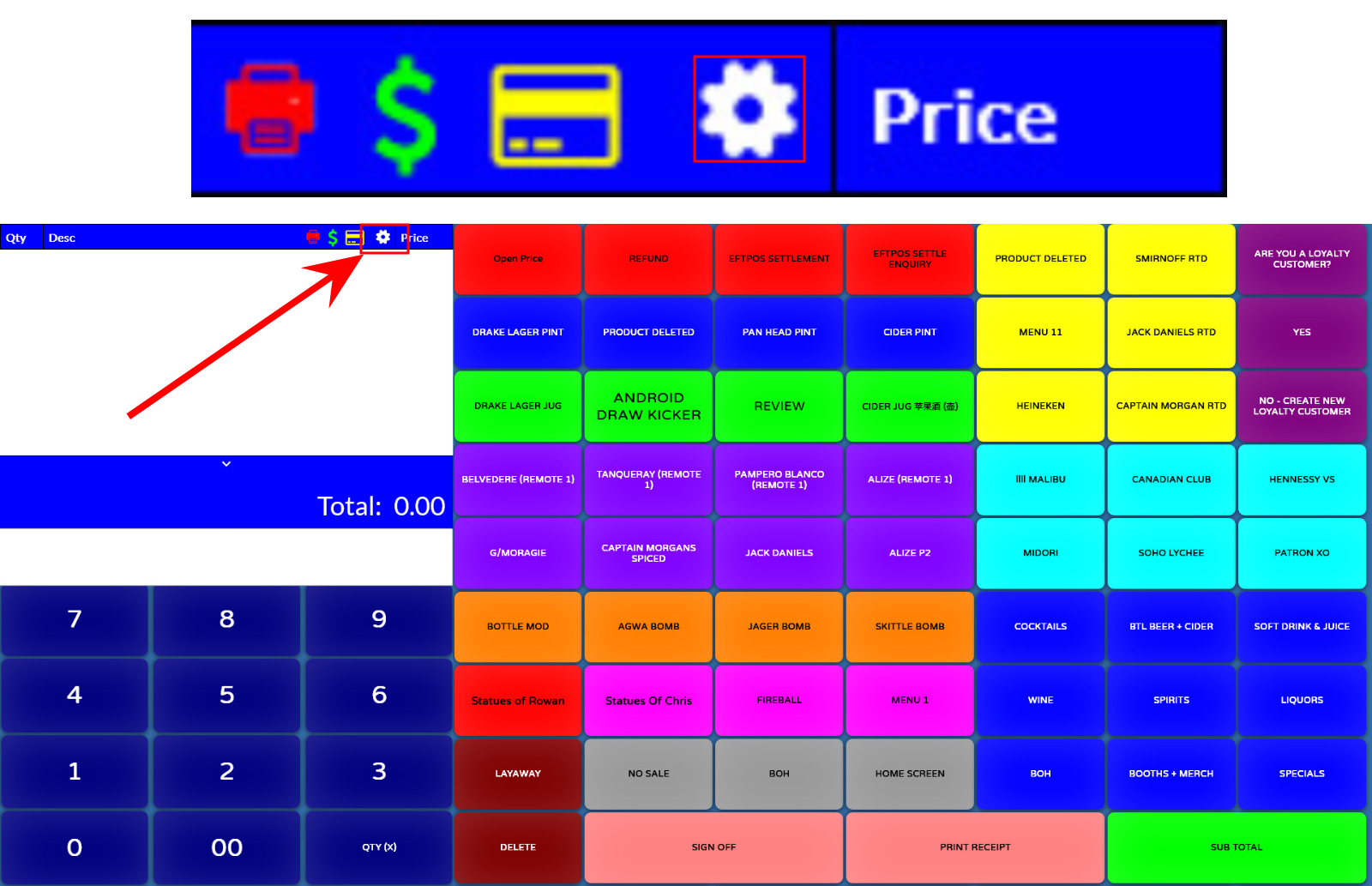
On the POS make sure you are in the Point-Of-sale software.
Sign on as an operator and navigate to the "white cog" at the top of the screen.
If it does not show the white cog then you need to make sure you are logged on as someone who has back-office permission.
Often it will be a user called "ADMIN"
If it asks for a password its likely "1"
If need be, call CloudHQ4 support on 03 9908 5805